MacBook Air
Service for hardware, battery, display, storage and macOS-related problems.
Independent Mac service · New York, NY
Having trouble with your Mac? Bring it to Mac Comp Update for diagnostics, hardware service, maintenance, data assistance and macOS troubleshooting. We service MacBook Air, MacBook Pro, iMac and Mac mini at our New York City office.
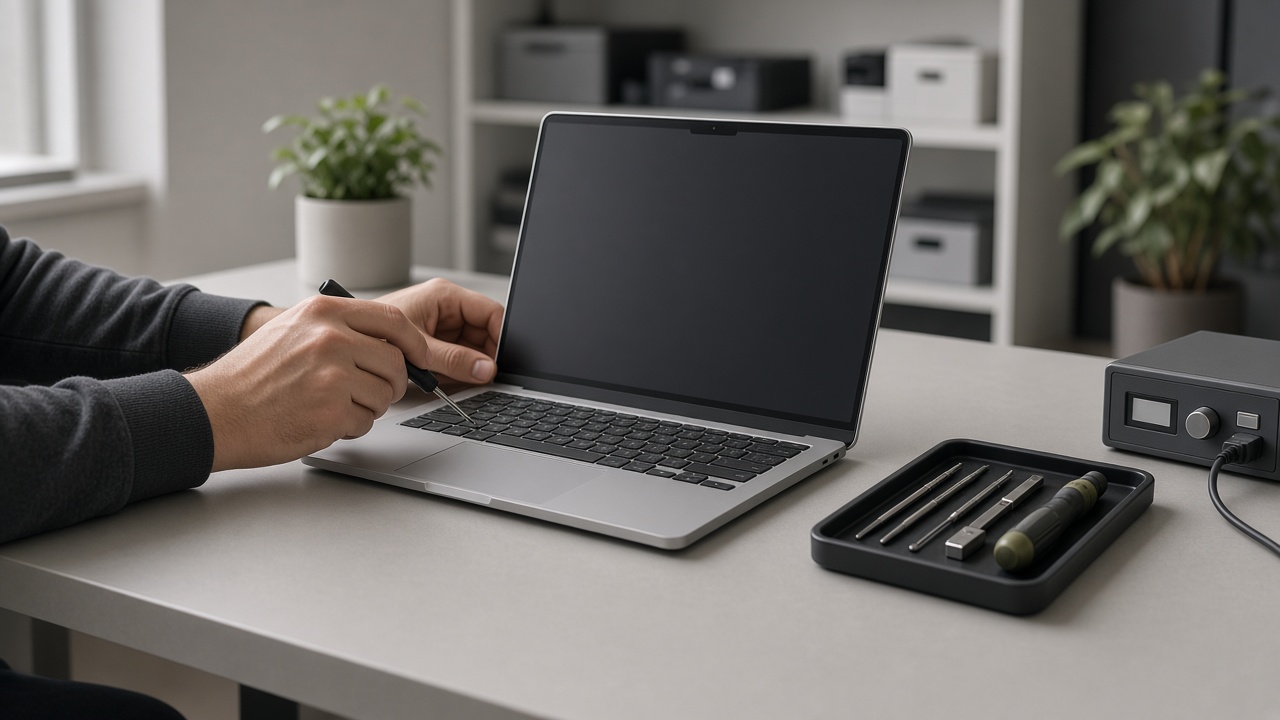 Illustrative service workspace
Mac services
From hardware problems to macOS issues, we help identify what is wrong and determine the appropriate next step before service begins.
Help with power problems, unexpected shutdowns, damaged components, performance issues and other MacBook hardware concerns.
Diagnostics and service for desktop Macs experiencing startup, hardware, storage, performance or system problems.
Battery evaluation and replacement for supported MacBook models when the battery no longer performs as expected.
Assessment and service options for cracked, damaged or malfunctioning MacBook displays.
Help with macOS installation, updates, startup problems, system errors and other software-related issues.
Internal cleaning and maintenance for Macs affected by dust buildup, heat or other serviceable conditions.
Assessment of data-access problems and available recovery options based on the condition of the device and storage.
Not sure what is causing the problem? We can examine the device and determine what should be addressed before service proceeds.
Devices we service
Bring your Mac to our New York City office for evaluation and service.
Service for hardware, battery, display, storage and macOS-related problems.
Diagnostics and repair for hardware, display, battery, performance and system issues.
Desktop Mac diagnostics, maintenance and troubleshooting.
Hardware, storage and macOS troubleshooting for Mac mini systems.
Common Mac problems
You do not need to diagnose the problem yourself. Tell us what is happening and we can start by examining the device.
How it works
Bring your device to our office at 6 MetroTech Center in Brooklyn during published business hours.
Tell us what has been happening. We examine the Mac to identify the problem and determine the appropriate service.
We review the recommended work with you before proceeding.
When the agreed service is complete, the device can be collected from our office.
Local Mac service
Mac Comp Update is an independent Mac service business operating from a physical office in Brooklyn. Customers bring their devices directly to us for diagnostics, repairs, maintenance and macOS support.
Mac Comp Update
6 MetroTech Center
Brooklyn, NY 11201
Call
+1 646 997 3600
Email
[email protected]
Hours
Monday–Friday
9:00 AM–6:00 PM
Saturday
10:00 AM–4:00 PM
Sunday
Closed
Customers can submit a service request, call us, or visit the office.
Full contact information →Request a repair
Give us a few details about your device and the problem you're experiencing. We can use that information to understand what type of service you may need.
FAQ
Share your device and service needs so the appropriate next step can be considered.